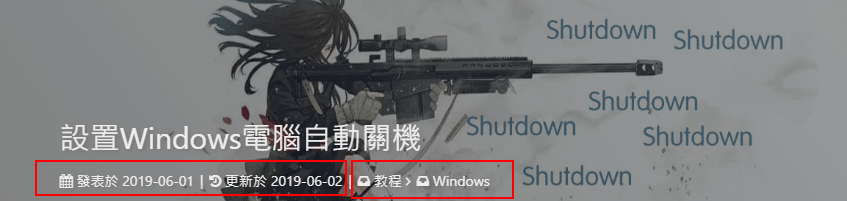
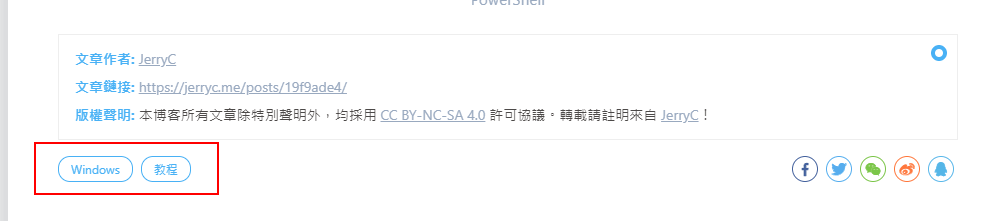
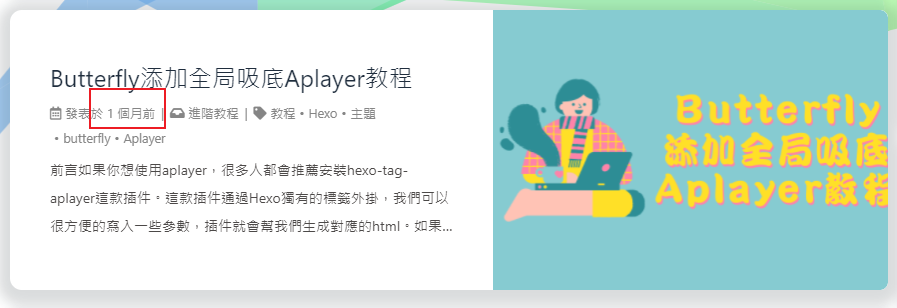
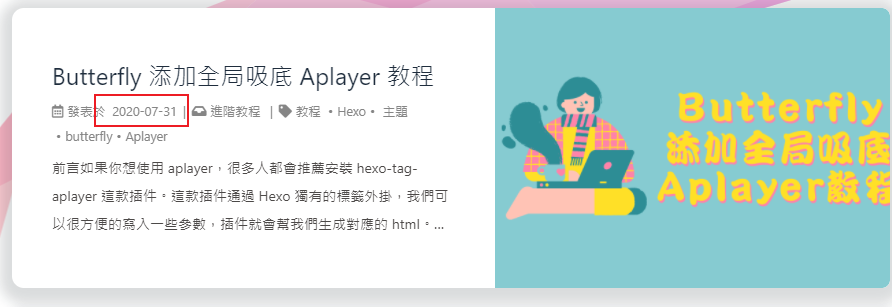
post_meta: page: date_type:both# created or updated or both 主页文章日期是创建日或者更新日或都显示 date_format:relative# date/relative 显示日期还是相对日期 categories:true# true or false 主页是否显示分类 tags:true# true or false 主页是否显示标籤 label:true# true or false 显示描述性文字 post: date_type:both# created or updated or both 文章页日期是创建日或者更新日或都显示 date_format:relative# date/relative 显示日期还是相对日期 categories:true# true or false 文章页是否显示分类 tags:true# true or false 文章页是否显示标籤 label:true# true or false 显示描述性文字
# anchor # when you scroll in post , the url will update according to header id. anchor:true
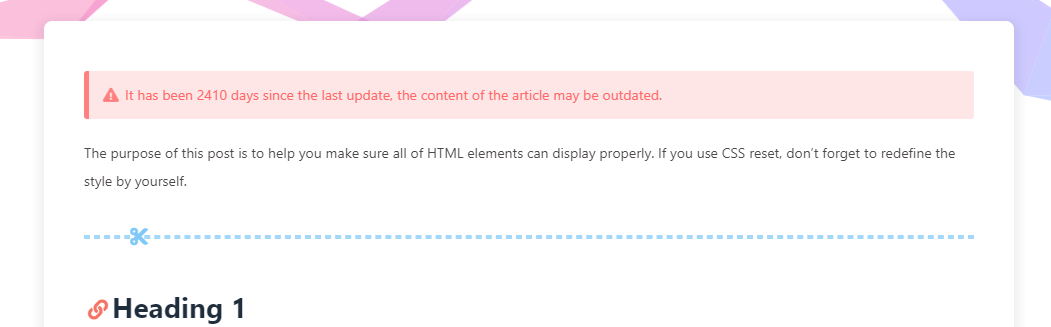
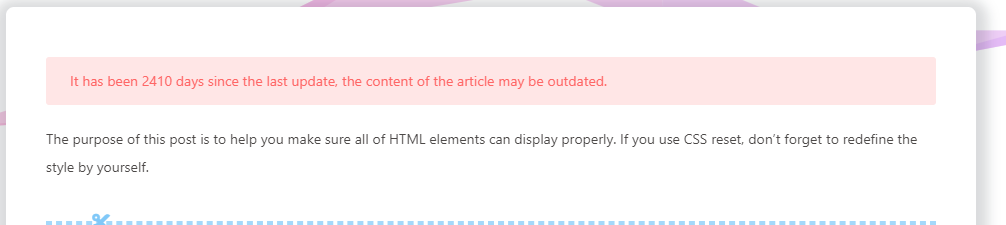
文章过期提醒
可设置是否显示文章过期提醒,以更新时间为基准。
1 2 3 4 5 6 7 8
# Displays outdated notice for a post (文章过期提醒) noticeOutdate: enable: true style: flat # style: simple/flat limit_day: 365 # When will it be shown position: top # position: top/bottom message_prev: It has been message_next: days since the last update, the content of the article may be outdated.
limit_day: 距离更新时间多少天才显示文章过期提醒
message_prev : 天数之前的文字
message_next:天数之后的文字
style: flat
style: simple
文章编辑按钮
在文章标题旁边显示一个编辑按钮,点击会跳转到对应的链接去。
1 2 3 4 5 6 7
# Post edit # Easily browse and edit blog source code online. post_edit: enable:false # url: https://github.com/user-name/repo-name/edit/branch-name/subdirectory-name/ # For example: https://github.com/jerryc127/butterfly.js.org/edit/main/source/ url:
文章分页按钮
可设置分页的逻辑,也可以关闭分页显示
1 2 3 4 5 6
# post_pagination (分页) # value: 1 || 2 || false # 1: The 'next post' will link to old post # 2: The 'next post' will link to new post # false: disable pagination post_pagination:false
参数
解释
post_pagination: false
关闭分页按钮
post_pagination: 1
下一篇显示的是旧文章
post_pagination: 2
下一篇显示的是新文章
头像
修改 主题配置文件
1
2
3
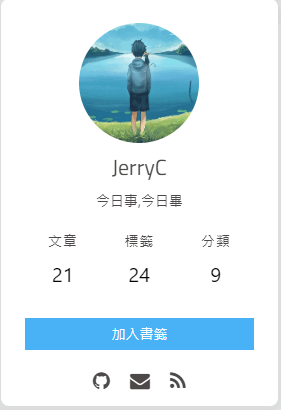
avatar: img:/img/avatar.png effect:true# 头像会一直转圈
图片描述
可开启图片Figcaption描述文字显示
优先显示图片的 title 属性,然后是 alt 属性
修改 主题配置文件
1
photofigcaption:true
複制相关配置
可配置网站是否可以複制、複制的内容是否添加版权信息
1 2 3 4 5 6 7
# copy settings # copyright: Add the copyright information after copied content (複制的内容后面加上版权信息) copy: enable: true copyright: enable: true limit_count: 50
配置
解释
enable
是否开启网站複制权限
copyright
複制的内容后面加上版权信息
enable
是否开启複制版权信息添加
limit_count
字数限制,当複制文字大于这个字数限制时,将在複制的内容后面加上版权信息
添加版权信息后
1
2
3
4
5
6
7
Lorem ipsum dolor sit amet, test link consectetur adipiscing elit. Strong text pellentesque ligula commodo viverra vehicula. Italic text at ullamcorper enim. Morbi a euismod nibh. Underline text non elit nisl. Deleted text tristique, sem id condimentum tempus, metus lectus venenatis mauris, sit amet semper lorem felis a eros. Fusce egestas nibh at sagittis auctor. Sed ultricies ac arcu quis molestie. Donec dapibus nunc in nibh egestas, vitae volutpat sem iaculis. Curabitur sem tellus, elementum nec quam id, fermentum laoreet mi. Ut mollis ullamcorper turpis, vitae facilisis velit ultricies sit amet. Etiam laoreet dui odio, id tempus justo tincidunt id. Phasellus scelerisque nunc sed nunc ultricies accumsan.
作者: Jerry 连结: http://localhost:4000/posts/bd3c650b/#Paragraph 来源: Butterfly 著作权归作者所有。商业转载请联络作者获得授权,非商业转载请注明出处。
# dark mode darkmode: enable:true # dark mode和 light mode切换按钮 button:true autoChangeMode:false
V2.0.0 开始增加一个选项,可开启自动切换light mode 和 dark mode
autoChangeMode: 1 跟随系统而变化,不支持的浏览器/系统将按照时间晚上6点到早上6点之间切换为 dark mode
autoChangeMode: 2 只按照时间 晚上6点到早上6点之间切换为 dark mode,其馀时间为light mode
autoChangeMode: false 取消自动切换
閲读模式
閲读模式下会去掉除文章外的内容,避免干扰閲读。
只会出现在文章页面,右下角会有閲读模式按钮。
修改 主题配置文件
1
readmode:true
按钮排序
1 2 3 4 5 6 7
# Don't modify the following settings unless you know how they work (非必要请不要修改 ) # Choose: readmode,translate,darkmode,hideAside,toc,chat,comment # Don't repeat 不要重複 rightside_item_order: enable:false hide:# readmode,translate,darkmode,hideAside show:# toc,chat,comment
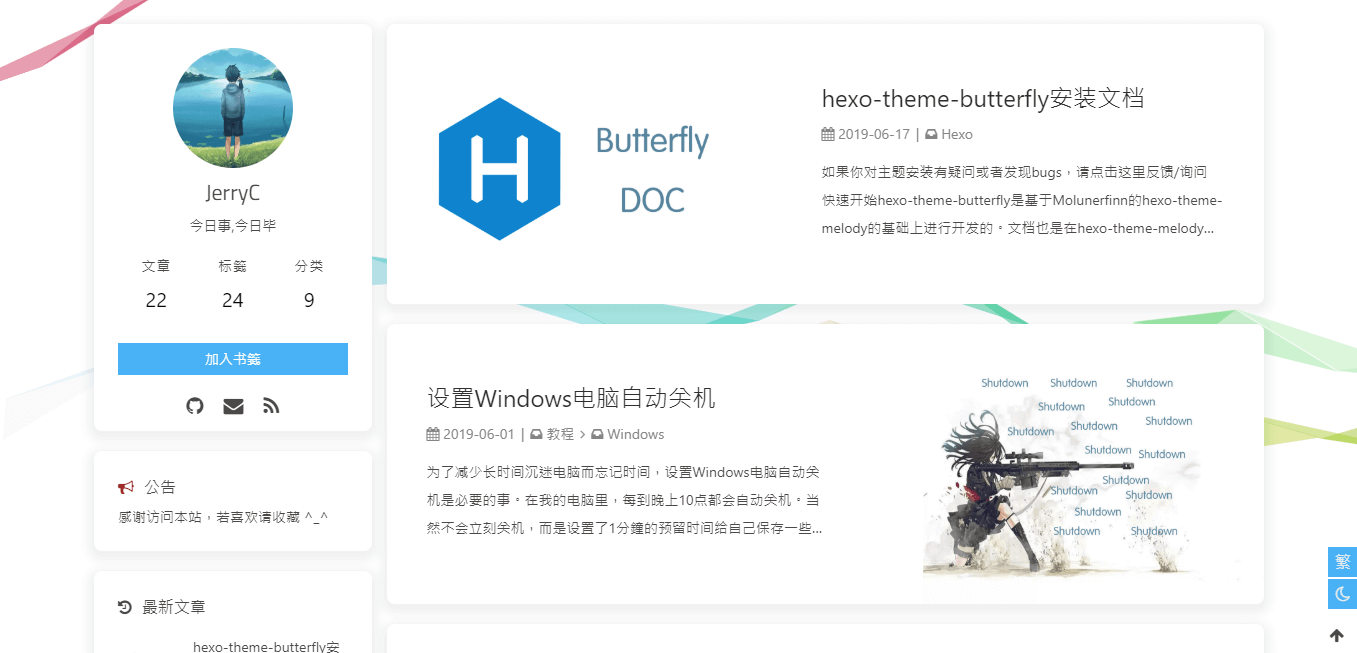
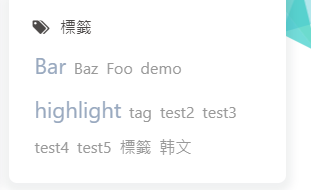
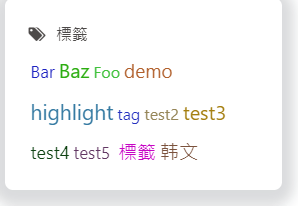
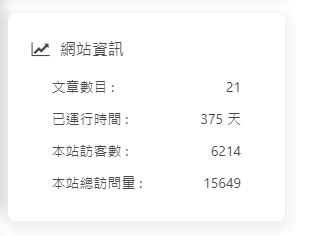
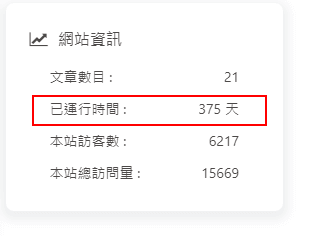
aside: enable:true hide:false button:true mobile:true# 手机页面( 显示宽度 < 768px )是否显示aside内容 position:right# left or right display: archive:true tag:true category:true card_author: enable:true description: button: enable:true icon:fabfa-github text:Github link:https://github.com/jerryc127/hexo-theme-butterfly card_announcement: enable:true content:ThisismyBlog card_recent_post: enable:true limit:5# if set 0 will show all sort:date# date or updated card_categories: enable:true limit:8# if set 0 will show all expand:none# none/true/false card_tags: enable:true limit:40# if set 0 will show all color:false card_archives: enable:true type:monthly# yearly or monthly format:MMMMYYYY# eg: YYYY年MM月 order:-1# Sort of order. 1, asc for ascending; -1, desc for descending limit:8# if set 0 will show all card_webinfo: enable:true post_count:true last_push_date:true
由于 API 有 访问次数限制,为了避免调用太多,主题默认存取期限为 10 分钟。也就是説,调用后资料会存在 localStorage 里,10分钟内刷新网站只会去 localStorage 读取资料。 10 分钟期限一过,刷新页面时才会去调取 API 读取新的数据。( 3.6.0 新增了 storage 配置,可自行配置缓存时间)
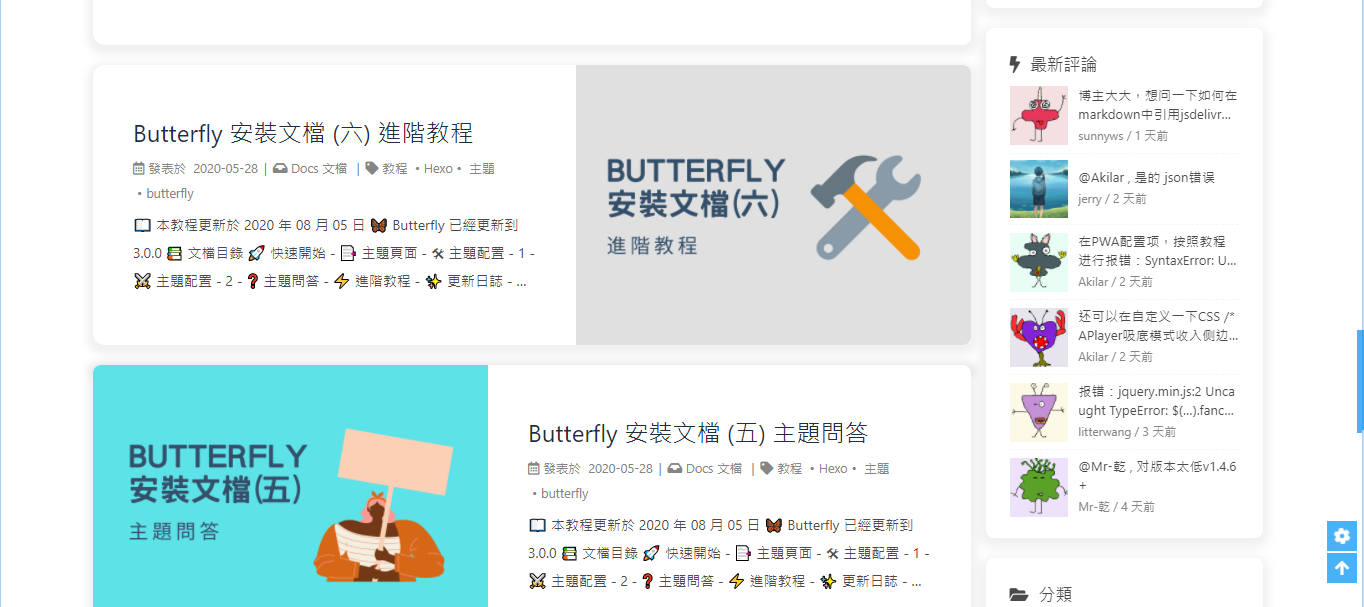
在侧边栏显示最新评论板块
修改 主题配置文件
1 2 3 4 5 6 7
# Aside widget - NewestComments newest_comments: enable: true sort_order: # Don't modify the setting unless you know how it works limit: 6 storage: 10 # unit: mins, save data to localStorage avatar: true
note: # Note tag style values: # - simple bs-callout old alert style. Default. # - modern bs-callout new (v2-v3) alert style. # - flat flat callout style with background, like on Mozilla or StackOverflow. # - disabled disable all CSS styles import of note tag. style:simple icons:false border_radius:3 # Offset lighter of background in % for modern and flat styles (modern: -12 | 12; flat: -18 | 6). # Offset also applied to label tag variables. This option can work with disabled note tag. light_bg_offset:0
<div class="gallery-group-main"> {% galleryGroup name description link img-url %} {% galleryGroup name description link img-url %} {% galleryGroup name description link img-url %} </div>
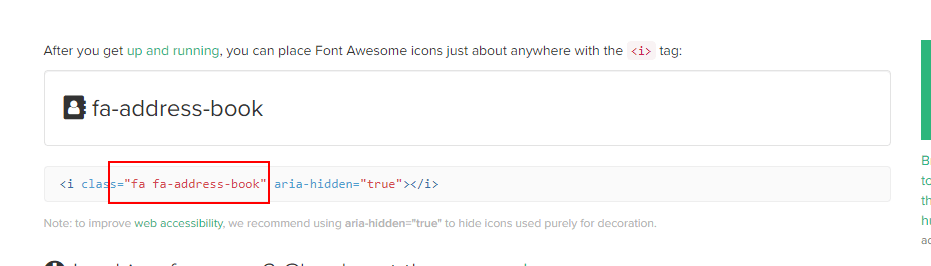
Unique name : Unique name of tabs block tag without comma. Will be used in #id's as prefix for each tab with their index numbers. If there are whitespaces in name, for generate #id all whitespaces will replaced by dashes. Only for current url of post/page must be unique! [index] : Index number of active tab. If not specified, first tab (1) will be selected. If index is -1, no tab will be selected. It's will be something like spoiler. Optional parameter. [Tab caption] : Caption of current tab. If not caption specified, unique name with tab index suffix will be used as caption of tab. If not caption specified, but specified icon, caption will empty. Optional parameter. [@icon] : FontAwesome icon name (full-name, look like 'fas fa-font') Can be specified with or without space; e.g. 'Tab caption @icon' similar to 'Tab caption@icon'. Optional parameter.
This is my website, click the button {% btn 'https://butterfly.js.org/',Butterfly %} This is my website, click the button {% btn 'https://butterfly.js.org/',Butterfly,far fa-hand-point-right %} This is my website, click the button {% btn 'https://butterfly.js.org/',Butterfly,,outline %} This is my website, click the button {% btn 'https://butterfly.js.org/',Butterfly,far fa-hand-point-right,outline %} This is my website, click the button {% btn 'https://butterfly.js.org/',Butterfly,far fa-hand-point-right,larger %}
This is my website, click the button Butterfly This is my website, click the button Butterfly This is my website, click the button Butterfly This is my website, click the button Butterfly This is my website, click the button Butterfly
1
2
3
{% btn 'https://butterfly.js.org/',Butterfly,far fa-hand-point-right,block %}
{% btn 'https://butterfly.js.org/',Butterfly,far fa-hand-point-right,block center larger %}
{% btn 'https://butterfly.js.org/',Butterfly,far fa-hand-point-right,block right outline larger %}





















 wechat
 alipay